

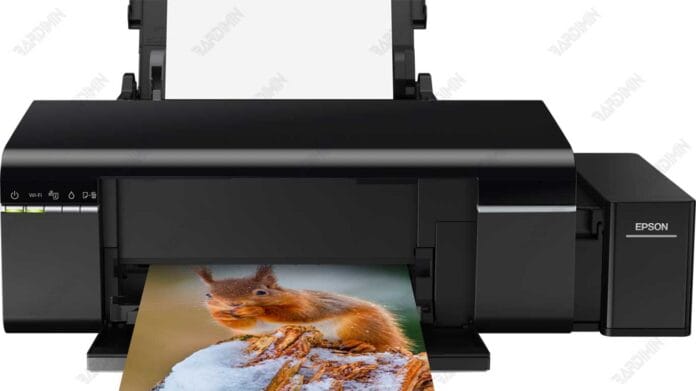
This definitive guide covers everything you need to know about the Epson L805 Adjustment Program. Learn how to download this essential resetter tool to resolve common "Service Required" errors and reset your printer's waste ink counter efficiently and safely.
What Is the Epson L805 Adjustment Program?
The Epson L805 Adjustment Program is a specialized maintenance utility. Professionals and technicians use this software to reset the printer's internal waste ink counter. This counter triggers an error when it reaches its predefined limit. Consequently, your printer will display warnings like "Service Required" or "Ink Pad is at the end of its service life". The Epson L805 Resetter safely clears this counter. It effectively restores your printer's functionality without requiring immediate hardware replacement.
Primary Functions and Benefits
- Reset the Waste Ink Pad Counter to zero.
- Clear persistent "Service Required" error messages.
- Initialize the printer's EEPROM memory to factory defaults.
- Provide direct access to advanced maintenance functions.
- Extend the operational lifespan of your Epson L805 printer.
Software Features and System Requirements
This resetter tool is designed for user convenience. It features automatic printer detection for the Epson L805 model. Furthermore, the interface is straightforward for efficient troubleshooting. The software maintains full compatibility with modern Windows operating systems. This includes Windows 10 and the latest Windows 11, both 32-bit and 64-bit architectures.
Download the Epson L805 Resetter Tool
You can obtain the necessary adjustment program file below. This package contains the official software required to reset your Epson L805 printer's counters.
Download File Information:
- File Name: Resetter_Epson_L805.rar
- File Size: Approximately 2.1 MB
- File Format: RAR Archive
⚠️ IMPORTANT: FILE EXTRACTION PASSWORD
rdim
Use this exact password to extract "Resetter_Epson_L805.rar"
Password is case-sensitive. Copy and paste recommended.
Important Usage and Safety Guidelines
Use this tool responsibly for personal printer maintenance only. First, ensure a stable power connection during the reset process. Additionally, note that antivirus software may flag the resetter as a potential threat. This is typically a false positive because the tool modifies system-level settings. Therefore, you may need to temporarily disable your antivirus protection. Remember to re-enable it immediately after completing the reset procedure.
For official drivers and support resources, always visit the Epson official website. This software serves as a practical solution before seeking professional service. However, if errors persist after resetting, the physical waste ink pad may require replacement by a qualified technician.
By downloading files from bardimin.com, you agree that:
- Files are obtained from the internet, and copyrights remain with their respective owners.
- Files are for educational, reference, and personal use only.
- bardimin.com does not guarantee that files are free from viruses or malware.
- Any risks, damages, or legal claims arising from the use of files are the sole responsibility of the user.
- bardimin.com is released from any and all claims or liabilities.
If you do not agree, please do not download the file.
