

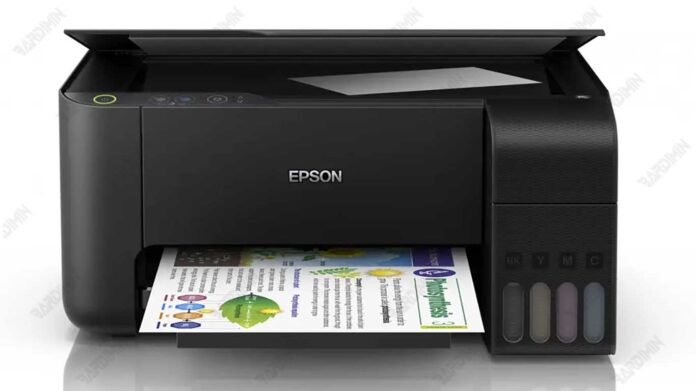
Is your Epson L3110 showing a "service required" error or blinking lights? This often signals a full waste ink pad counter. The official Download Adjustment Program Epson L3110 (AdjProg.exe) is the key reseller tool to reset this counter, clear the error, and restore your printer to normal function without a costly service call.
What is the Epson L3110 Adjustment Program?
This specialized software, often called a resetter, is designed for the Epson L3110 printer model. Its primary function is to reset the waste ink pad counter. This counter tracks ink absorbed by a maintenance pad inside the printer. When it reaches a limit, the printer locks and displays an error.
Therefore, using this adjustment program is a standard maintenance step for technicians and advanced users to extend the printer's lifespan.
Key Features and Benefits
By using the Epson L3110 resetter tool, you can achieve several important tasks:
- Reset the Waste Ink Counter: Quickly clear the pad counter to eliminate service errors.
- Fix Blinking Indicator Lights: Resolve the alternating blinking light issue that indicates a service state.
- Restore Printer Performance: Get your printer back to full operational status independently.
- Cost-Effective Solution: Avoid expensive repairs or part replacements for the ink pad prematurely.
System Requirements and File Info
The adjustment program is a lightweight, portable application. It is compatible with a wide range of Windows operating systems:
- Windows 7, 8, 8.1
- Windows 10 (32-bit & 64-bit)
- Windows 11 (32-bit & 64-bit)
The downloaded file is a compressed RAR archive containing the necessary executable and support files.
How to Use the Resetter Tool
- Ensure your Epson L3110 printer is connected to your computer and powered on.
- Extract the downloaded RAR file using software like WinRAR or 7-Zip.
- Run the AdjProg.exe file as Administrator (right-click > Run as administrator).
- Follow the on-screen instructions within the adjustment program:
- Select the correct model and port.
- Navigate to the "Waste Ink Pad Counter" section.
- Click "Check" to read the current counter value.
- Click "Initialization" to reset the counter.
- Once completed, turn the printer off and back on to apply the changes.
For detailed steps, refer to the official Epson service documentation or trusted technician forums[1].
Download the Epson L3110 Adjustment Program
The official resetter package is available for download below. The file includes the Adjustment Program (AdjProg) for the Epson L3110.
Download File Name: Reset_Epson_L3110.rar
File Password: bardimin
Use the password above to extract the RAR file after download.
By downloading files from bardimin.com, you agree that:
- Files are obtained from the internet, and copyrights remain with their respective owners.
- Files are for educational, reference, and personal use only.
- bardimin.com does not guarantee that files are free from viruses or malware.
- Any risks, damages, or legal claims arising from the use of files are the sole responsibility of the user.
- bardimin.com is released from any and all claims or liabilities.
If you do not agree, please do not download the file.
