

Windows 11 is the latest operating system from Microsoft that brings a lot of updates and new features. However, one question is why system files and folders are still visible to users. In an age where security and privacy are paramount, modern operating systems like iOS and Chrome OS have hidden system files from ordinary users. Why doesn’t Windows 11 do the same?
This question is even more important when we see that Windows 11 still retains elements from the old operating system, such as Windows 95. Although the appearance of the interface has been updated, the structure of the files and folders accessible by users remains the same. This raises concerns regarding security and privacy, especially in corporate environments where sensitive data is often stored and accessed.
Bardimin will discuss the reasoning behind Microsoft’s decision to let system files be visible. We’ll explore how legacy technology, enterprise needs, and telemetry data collected by Microsoft influenced this decision. In addition, we will take a look at Microsoft’s efforts to improve security through projects like Windows 10X, and why the project was ultimately canceled.
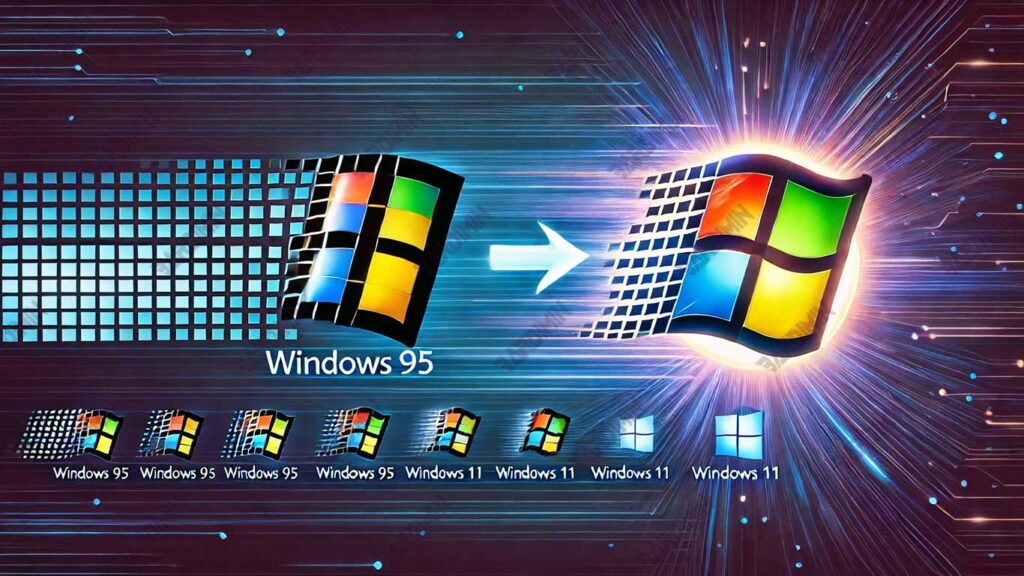
Why Is Windows 11 Still Similar to Its Predecessor?
Windows 11, although considered a modern operating system, still retains many elements from its predecessor, especially Windows 95. One of the most noticeable things is the structure of files and folders that remain familiar to users. Although the interface has been updated with a cleaner and more modern design, the file system is still easily accessible to ordinary users.
Why Windows 11 Still Adopts Windows 95 Legacy
1. Compatibility with Legacy Applications:
Many applications were created for Windows 95 and previous versions are still used today, especially in enterprises. Microsoft needs to make sure these apps keep running in Windows 11, so that the old file and folder structure remains.
2. Company User Needs:
Many large companies rely on software that has been around for many years. Changing the file structure of the operating system can cause problems with legacy applications, which can interfere with the smooth running of the business.
3. Limitations of Technology in the Windows 95 Era:
In the days of Windows 95, the concept of system file security and isolation was not as strict as it is now. Many programs of that era required direct access to system files, and changing this would require major changes to the program code.
The Impact of Windows 95 Legacy on Windows 11
File System Visibility:
Windows 11 users can still view and access folders such as C:Windows or C:Program Files, which store important files from the operating system. This is in contrast to modern systems like iOS or Chrome OS, where system files are completely hidden from the average user.
Less than Optimal Security:
With system files visible, there is a high risk of user error (such as deleting important files) or malware attacks targeting system files. Although User Account Control (UAC) was introduced since Windows Vista to improve security, the structure of open files is still a loophole.
Real Example: An Immutable Interface
Even though it has been updated, File Explorer in Windows 11 still has similar functions and structure to Windows 95. Users can still easily browse the system directory, which should not be necessary for a regular user.
Registry Editor:
Tools like the Registry Editor are still accessible, although their use requires in-depth technical knowledge. This is a legacy of the Windows 95 era, where users often needed to manually edit the registry to resolve issues.
Reasons Operating System Files Are Visible to Users
Windows 11 still gives access to some of its system files. This is done because Microsoft must maintain a balance between security, compatibility, and user experience. Here are some of the main reasons that influenced this decision:
Compatibility with Legacy Apps
One of the main reasons Microsoft retains access to system files is to ensure compatibility with long-standing business and enterprise applications.
Win32 & Legacy Applications
Many organizations are still using older Win32-based applications that were created years ago. These applications often require access to important operating system files to function properly.
Program Compatibility Settings
In Windows 11 Enterprise, Microsoft still provides a Program Compatibility Settings feature that allows legacy apps to operate in newer environments without any issues.
High Migration Costs
If Microsoft closes access to system files completely, the company must update or replace their applications. This process is expensive, time-consuming, and requires employee retraining, so many businesses choose to stick with their existing systems.
Administrators & Professional User Needs
Advanced users such as system administrators, software developers, and PC gamers need access to critical system files.
IT Developers & Technicians
These professionals often need access to system files for debugging, software development, and device maintenance. They often use features such as Windows Registry, Event Viewer, and Group Policy Editor in their work.
Gamer PC & Tweaker
Some gamers access system files to modify the game or improve the performance of the device. Examples include DirectX configuration, GPU drivers, or hardware overclocking.
Tools like Command Prompt (CMD) and PowerShell require access to various system directories to execute administrative commands, manage networks, and perform automation tasks.
Microsoft Business Decision
Microsoft has a strategic reason to continue to provide access to system files, which are based on telemetry data and user experience in the company.
Use of Telemetry Data
Microsoft collects anonymous data from Windows users around the world. From this data, they found that many companies are still using legacy applications that require access to system files. Therefore, if this access is restricted, it can interfere with the company’s operations.
Windows 10X Failure
Microsoft once tried to create a more secure operating system with Windows 10X, where applications run in a virtual environment separate from the system files. However, the project failed due to unsatisfactory performance, especially on inferior hardware.
Microsoft Prioritizes the Corporate Market
Businesses and large corporations are Microsoft’s main targets, not individual users. Therefore, policies that overly restrict access to system files can be detrimental to companies that are still using older software and require compatibility with Windows.
Conclusion
Microsoft faces the challenge of improving security while maintaining compatibility with legacy software. On the one hand, restricting access to system files can improve security and prevent abuse. However, on the other hand, this move could lead to compatibility issues with older applications that are still used by many companies and IT professionals.
As long as large companies are still relying on legacy programs, Microsoft can’t make major changes to the Windows architecture without disrupting the business operations that rely on the software.
Windows 11 may not be the most up-to-date operating system, but it remains the best choice for companies that need flexibility, compatibility, and support for older technologies. Microsoft is constantly working to find a balance between innovation and stability, ensuring users can run legacy apps while gradually improving system security.
