

For professionals, technicians, and gamers who rely on high performance, managing the health of a Kingston SSD is crucial. The Kingston SSD Manager serves as the official and powerful solution to monitor, optimize, and protect your storage investment, ensuring it remains in peak condition.
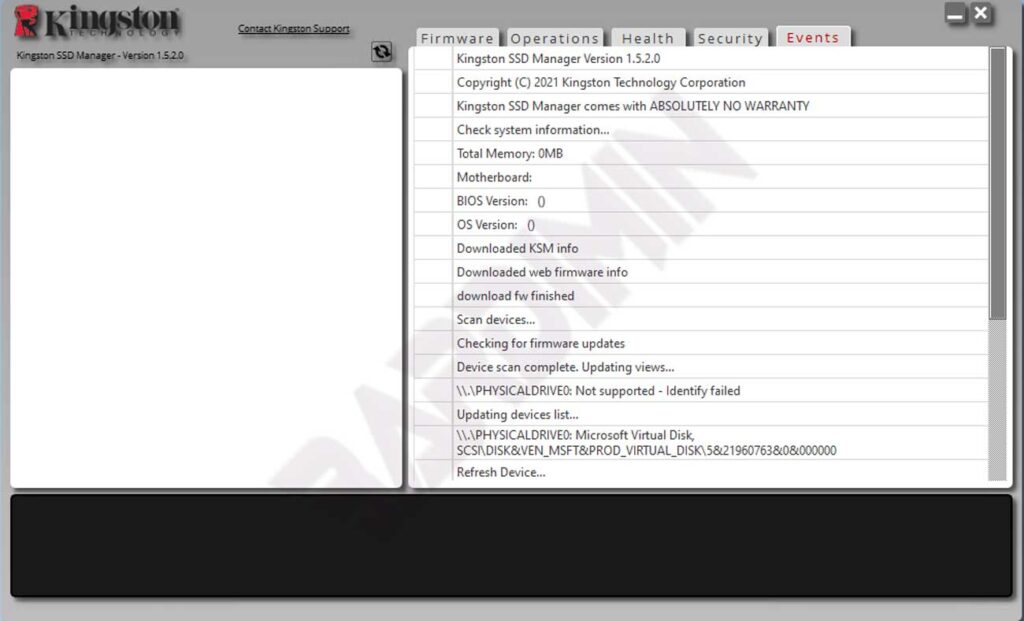
Key Features of Kingston SSD Manager You Should Know
This software offers a suite of essential features for comprehensive drive management. Therefore, you gain complete control over your Kingston solid-state storage device.
- Drive Health Monitoring: Keep track of SMART status, temperature, remaining lifespan (TBW), and drive health percentage in real-time.
- Drive Identity Information: View detailed data such as model name, serial number, firmware version, and other relevant specifications.
- Detailed Reporting: Export comprehensive health and status reports for documentation or further technical analysis.
- Firmware Updates: Easily update the drive’s firmware to the latest version to enhance stability, compatibility, and performance.
- Secure Erase: Permanently and securely wipe all data from the drive using industry-standard methods, ideal for decommissioning or resale.
- Encryption Management: Manage hardware-based security features like TCG Opal 2.0 and IEEE 1667 on supported drives.
- Over-Provisioning with HPA: Configure the Host Protected Area (HPA) to improve SSD endurance and long-term performance.
System Requirements for Kingston SSD Manager
To ensure the Kingston SSD Manager functions correctly, your system must meet these basic prerequisites.
- One or more supported Kingston Solid State Drives (SSD) installed.
- AHCI mode enabled in the system’s BIOS/UEFI settings.
- Administrator privileges on the Windows operating system.
Supported Operating Systems and Compatibility
It is important to note this software is designed specifically for the Windows platform. The Kingston SSD Manager is not compatible with macOS or Linux distributions.
Compatibility Note: Some older Kingston SSD models may not be supported by the latest Kingston SSD Manager x64 v1.5.X.X. In such cases, you can continue using the older Kingston SSD Manager v1.1.X.X.
Kingston SSD Manager x64 v1.5.2.0 (Latest Version)
This version supports Windows 10 and Windows 11, 64-bit (x64) editions only.
Kingston SSD Manager v1.1.2.6 (Legacy Version)
This version is compatible with Windows 8, 8.1, and 10, for both 32-bit (x86) and 64-bit (x64) architectures.
Download the Latest Kingston SSD Manager
Download the Kingston SSD Manager application directly from Kingston’s official source to guarantee security and authenticity. Always ensure you select the correct version for your operating system and architecture.
By using the Kingston SSD Manager, you not only monitor your drive’s condition but also take proactive steps to extend its lifespan and maintain optimal performance. Consequently, this tool is essential for anyone prioritizing storage system reliability and speed.
