

Laptops are now an important part of daily life for work, study, and entertainment. However, are you aware that the surrounding environment can seriously threaten your device? External factors such as extreme temperatures, dust, water, and sand can cause significant damage to the laptop, ranging from decreased performance to permanent damage to the components inside.
Laptops are designed to function within a specific temperature range, typically between -10°C to 50°C. However, if the laptop is exposed to temperatures outside of these limits, it can run into serious problems. For example, temperatures that are too high can cause overheating, which can potentially damage the processor, battery, and other components. On the other hand, temperatures that are too low can make the laptop battery drain quickly and make the internal materials more fragile.
In addition to temperature, dust and sand are also a major threat, especially for those who work in open environments such as construction projects or desert areas. Dust can clog the laptop’s vents, leading to overheating, while sand can get inside the ports and damage internal components. Water and moisture can cause corrosion of metal components and damage electronic circuits.
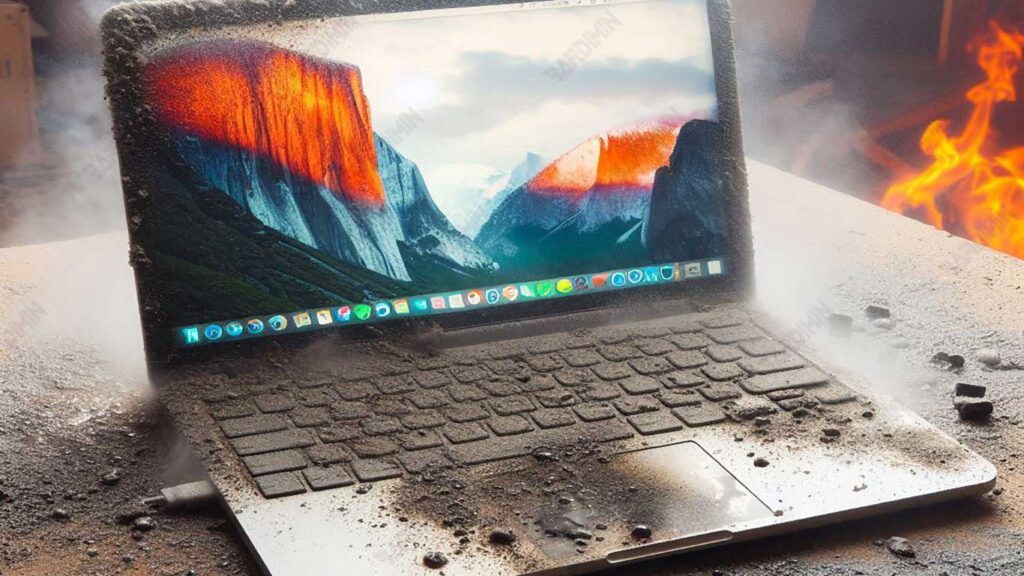
Factors That Can Damage a Laptop
A laptop is an electronic device that is heavily influenced by the surrounding environment. One of the main threats to laptops is extreme temperatures, both hot and cold. Understanding the limits of temperature tolerance and the negative impacts that may arise is essential to prevent damage and extend the life of the device.
a. Extreme Temperature: Hot & Cold
Each laptop has an operational temperature limit set by the manufacturer. Regular laptops used in homes or offices generally have lower temperature tolerances compared to ruggedized laptops, which are specifically designed to withstand more extreme conditions.
| Types of Laptops | Operating Temperature Tolerance | Storage Temperature Tolerance |
| Regular Laptops | -10°C to 50°C | -20°C to 60°C |
| Ruggedized Laptops | -29°C to 63°C | -40°C to 75°C |
Ruggedized laptops, such as the Panasonic Toughbook, Dell Latitude Rugged, and Getac B360, come with better cooling systems, thicker cases, and additional protective materials to keep them functional in extreme temperatures.
High Temperature Impact: Overheating, Battery Bulging, Screen Damage
1. Overheating
Temperatures that are too high can cause the laptop to overheat, which can damage the processor and other components. In addition, overheating can trigger the system to automatically shut down to prevent further damage.
2. Inflatable Battery
Lithium-ion batteries in laptops are highly sensitive to high temperatures. If exposed to temperatures above 50°C, the battery can swell or even leak, which is a risk for the device and its users.
3. Screen Damage
LCD screens on laptops are also very susceptible to high temperatures. Excessive heat exposure can make the screen blurry or even turn off completely.
Low Temperature Impact: Screen Freeze, Battery Performance Degradation, Cracks Due to Drastic Temperature Changes
1. Frozen Screen
In low temperatures, LCD screens can become slow to respond or even “freeze” as the crystalline liquid inside hardens.
2. Decreased Battery Performance
Laptop batteries tend to lose power faster at low temperatures. In temperatures below -10°C, the battery capacity can drop drastically, so the laptop turns off faster.
3. Cracks Due to Drastic Temperature Changes
Sudden temperature changes (e.g., from cold to hot) can cause cracks in plastic or metal components inside laptops, especially if the material is not designed to withstand extreme temperature changes.
b. Dust & Sand: A Hidden Threat to Your Laptop
Laptops are designed to be used on mobile, but they are often used in dust- and sand-filled places, such as construction sites, desert areas, beaches, or even on poorly maintained desks. Small particles such as dust and sand can be a serious threat to laptop performance, which can cause overheating, mechanical damage, and permanent system failure.
Although it may seem trivial, dust and sand can be the main cause of laptop damage in the long run. These particles can get into the laptop through various openings, especially vents, USB ports, keyboards, and trackpads, which can cause some of the following problems:
- Disrupts Cooling Systems & Causes Overheating
- Clogging Ports & Interfering with Connectivity
- Scratching the Laptop Screen & Surface
c. Water and Liquids: A Serious Threat to Your Laptop
Laptops are electronic devices that are very sensitive to water and liquids. Just one coffee spill or light rain can cause irreparable damage to the motherboard, battery, and screen. Therefore, it is important to understand how to protect a laptop from water, such as knowing the IP rating, as well as understanding the difference between a standard laptop and a waterproof laptop to prevent damage.
IP Rating and What It Means for Laptops
IP Rating (Ingress Protection) is a global standard that indicates how well a device is protected from dust and water. The first number in this rating reflects the level of protection against dust, while the second number indicates the level of protection against water.
| IP Rating | Dust Protection | Water Protection |
| IP65 | Fully dustproof | Resistant to water spray from all directions |
| IP67 | Fully dustproof | Can be submerged in water for up to 30 minutes at a depth of 1 meter |
| IP68 | Fully dustproof | Can be submerged longer and deeper than 1 meter |
Most standard laptops have IP00, which means they have neither dust nor water protection. If it is exposed to water, it is likely to experience a short circuit or damage to internal components.
Standard Laptop vs. Laptops with “Spill-Proof Keyboard”
Most regular laptops don’t have water protection, but some models offer “spill-proof keyboards” to protect against small liquid spills.
| Types of Laptops | Water Protection | Spill Resistance |
| Standard Laptop | None | Can be damaged by just a drop of water |
| Laptop with Spill-Proof Keyboard | Small spill resistance (50-100 ml) | It can still be damaged if exposed to large amounts of liquid |
| Ruggedized Laptop (IP65/IP67/IP68) | Water and dust resistance | Can survive rain, water spray, and even certain soaking |
Laptops with spill-proof keyboards only delay the entry of liquid into the device, not make the laptop completely waterproof. If exposed to large amounts of water, liquid can still enter the motherboard.
Ruggedized laptops with high IP ratings have tightly sealed ports and a water drain system, which makes them much safer than regular laptops.
How to Protect a Laptop from Extreme Conditions
Laptops that are frequently used outdoors or in extreme environments require additional protection to keep them functioning properly and have a long lifespan. One of the best ways to protect a laptop from high temperatures, dust, water, and impact is to use the right protective accessories and practice safe usage habits.
a. Protection Accessories
Protection accessories are essential to prevent damage from external factors such as dust, liquids, high temperatures, and impacts. Here are some recommended accessories to keep your laptop safe:
1. Keyboard Cover & Dust Plugs: Reduces Dust and Liquid Ingress
A Keyboard Cover is an accessory made of silicone or flexible plastic that protects the entire surface of the keyboard from dust, sand, and small liquid spills. This accessory is easy to remove and clean, so maintenance is practical.
Meanwhile, Dust Plugs are small rubber or silicone covers that are attached to USB, HDMI, and audio jack ports to prevent dust, sand, and moisture from entering. This tool is especially useful for laptops that are often taken to construction sites or dusty places.
2. Cooling Pad & Extra Heatsink: Prevents Overheating
An External Laptop Cooling Fan, or better known as a Cooling Pad, is an additional device designed to lower the temperature of a laptop when used for a long time. This device is very useful for preventing overheating, especially in hot areas or in places without air conditioning.
Meanwhile, the Additional Heatsink, also known as the Thermal Pad or Heat Dissipator, serves to absorb heat more effectively, thus preventing internal components such as the CPU and GPU from overheating. This tool is ideal for laptops that are used in heavy activities such as video editing, 3D rendering, or gaming.
3. Hard Case & Screen Protector: Extra Protection against Bumps and Scratches
Laptop External Protectors, or Hard Cases, are made of hard plastic or rubber materials that are resistant to impact. This product is designed to protect the laptop from the risk of drops, scratches, as well as light impacts, making it ideal for those who travel or work outdoors frequently.
Meanwhile, Screen Protector functions as a laptop screen protector by using a transparent film sheet that prevents scratches and cracks. Some of these types of screen protectors also come with an anti-glare feature, which helps to reduce light reflections, making it more comfortable to use outdoors.
b. Tips for Using Laptops in Extreme Environments
1. Avoid Direct Sunlight
Exposure to excessive heat can cause overheating, the battery to bubble, and the screen to be damaged. Use a cooling pad or find a shade when working outdoors.
2. Store in a Waterproof Bag When Traveling
Water and high humidity can cause short circuits and motherboard damage. Use a waterproof laptop bag for maximum protection.
3. Use a Screen Protector to Prevent Scratches
Fine sand and dust can damage the laptop’s screen and hinges. Use a screen protector and clean it with a microfiber cloth to keep the screen secure.
4. Avoid Eating and Drinking Near Laptops
Liquid spills can cause a short circuit, while food crumbs can cause keyboard keys to jam. Use a keyboard cover for extra protection.
