

Example:
Your Epson L3210 printer suddenly won’t print. The engine starts, but the indicator light just flickers nonstop. Instead of taking them directly to a cost-consuming and time-consuming service center, check the symptoms. Most likely, this was purely a Waste Ink Counter problem that was already full, a problem that could be solved on its own with the Adjustment Program in a matter of minutes.
Commemoration:
If your printer makes strange noises, burns, or is physically clearly damaged (e.g., a broken print head), DO NOT use this software. It was a hardware issue that required technical fixes by experts.
Commemoration! This Is What Is Often Ignored Before Downloading
Before proceeding to the download link, there are a few CRITICAL things that you should understand. The security and safety of your device are always a top priority.
- This Is Not a Magic Solution
This software does not repair physical hardware damage, such as a damaged printer head or a burned main board. - Security Risks
Downloading from the wrong source often at risk of being compromised by malware, adware, or ransomware. Infected files can steal personal data or damage your computer. - Use with Responsibility
This reset process “fights” the security features installed by the manufacturer. If done repeatedly without physically cleaning the waste ink pad, it can cause the ink to overflow and damage the printer’s circuit board.
We’ve thoroughly curated dozens of sources to ensure that the links we provide are clean, secure, and usable with confidence.
Download Epson All Series Adjustment Program Here: Reliable and Verified Source
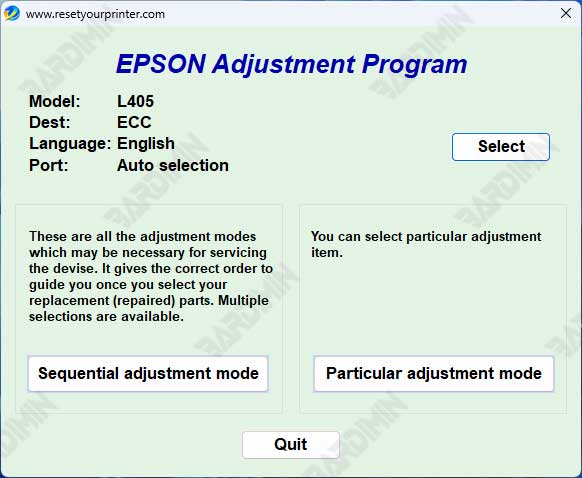
After understanding the risks and important warnings beforehand, this is the part you’ve been waiting for the most. Here, we provide reliable sources to download Epson adjustment programs for all series.
