

Network hardware maintenance is essential for maintaining its performance, efficiency, and durability. If not properly maintained, network devices can experience performance degradation that impacts the system as a whole.
This article will explain important steps such as regular cleaning, periodic checks, and hardware upgrades. You’ll also get tips and best practices to ensure your hardware is working properly and meeting your network’s changing needs.
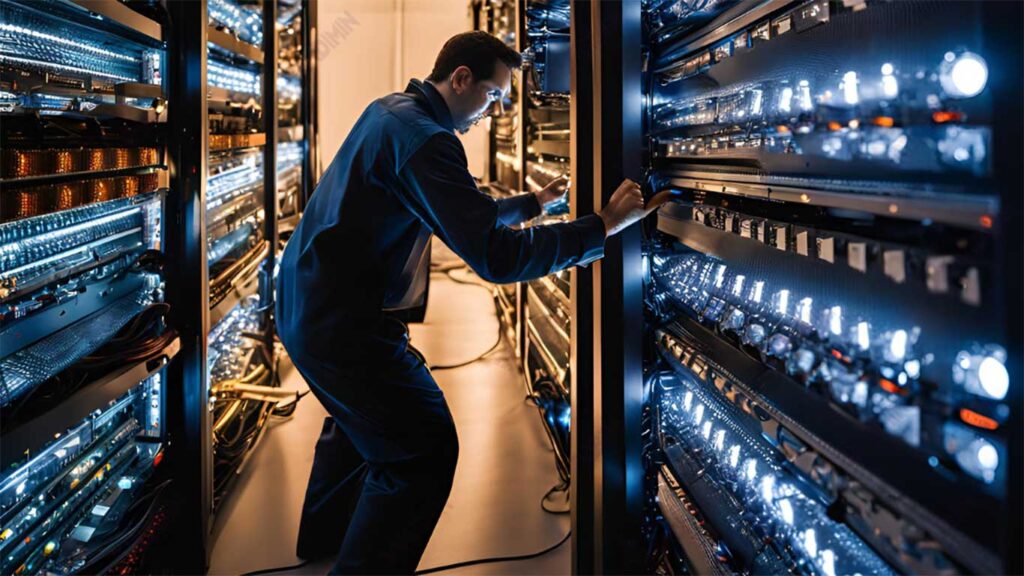
Keeping Network Devices Clean
The first step in maintaining network hardware is to clean it regularly. Accumulated dust and dirt can interfere with airflow and make the device hot, which can degrade performance or even damage the device. By regularly cleaning, the temperature of the device will remain stable, the performance will be smooth, and the life of the hardware can be longer.
Cleaning Tips:
- Clean your device every two weeks: Clean it regularly to prevent dust buildup that could interfere with ventilation.
- Use a small vacuum cleaner: A small vacuum cleaner is very useful for cleaning fan vents and removable drive media without damaging the device parts.
- Clean the printer and monitor: Follow the instructions in the product manual when cleaning the printer and monitor so as not to damage important parts, such as the print head on the printer or monitor screen.
Periodic Hardware Inspection
Conducting regular inspections of network hardware is an important step in detecting potential problems before they become more serious. With periodic inspections, problems such as physical damage to components or deterioration in device performance can be addressed immediately, thus avoiding greater disruption to the network.
Important Points in Inspection:
- Check the cooling vents: Make sure the vents are not blocked by dust or dirt, and make sure the cooling fan is working properly. Clean ventilation will help prevent overheating.
- Check power and network cables: Make sure that all cables are securely attached to their sockets and that none of them are worn, frayed, or have suffered physical damage that could cause connection or current problems.
- Burning smell detection: If a burning smell is detected, especially around the power supply, this indicates a serious problem with the power components. Immediately turn off the device and perform checks or repairs before further damage occurs.
Firmware and Hardware Upgrades
Firmware and hardware upgrades are essential to keep network devices functioning properly and with the latest technology. Firmware is the software that is inside the hardware and is in charge of regulating how the device works.
Manufacturers often release firmware updates to fix errors, add features, or address compatibility issues with new devices. Meanwhile, hardware upgrades can improve network performance to be able to handle heavier workloads or more complex applications.
Steps to Upgrade:
- Check the manufacturer’s website for firmware updates: Always check your device’s manufacturer’s official website regularly to see if any firmware updates are available. Make sure the downloaded firmware matches your device model.
- Follow the manufacturer’s instructions when making upgrades: When performing firmware upgrades, follow the instructions carefully. This process usually requires booting from a specific mode or using specialized software. Make sure that the device is not turned off during the upgrade process, as this may damage the device.
Hardware Repair
Knowing when to repair or replace hardware is essential to save money on network management. Not all hardware can be repaired, especially if the repair cost is higher than buying a new one. Therefore, making the right decision about hardware repair or replacement can save time and money.
Improvement Results:
- Use Warranty: If your hardware is still under warranty, it’s a good idea to take advantage of it. This can reduce repair costs and ensure your device is repaired by an experienced technician.
- Consider the Replacement Cost: For cheaper devices, such as printers that cost around $50, it may be better to replace them than to fix them. This also applies to PCs purchased under $600 after more than ten months of use. Often, the cost of repairs can be higher than buying a new device.
- Review Damage: Conduct a thorough assessment of hardware damage. If the damage is minor and can be repaired at a low cost, then repair can be a good option. However, if the damage is severe or requires replacement of major components, consider replacing the device.
- Shift Risk: For expensive hardware, such as servers, you may want to consider offsetting the repair risk to a third party by creating a service and support contract, if your budget allows.
With this approach, you can better manage your hardware and ensure your investments in technology remain efficient without wasting resources on devices that are no longer effective.
Network System Documentation
Good and regular documentation is essential for managing the network successfully. Without adequate documentation, you will spend a lot of time when facing issues or when adding new devices. With a clear record of configurations, equipment, and changes made, you can resolve issues faster and avoid future mistakes.
Documentation Tips:
- Keep all operating manuals and manuals: Make sure all device manuals and manuals are kept neat. This will be especially helpful when you need to reset or repair your device.
- Record all changes to network devices: Whenever there are changes, such as hardware replacements, configuration resets, or the addition of new devices, take note of all those steps and changes in detail. This will make it easier for you to refer back to previous configurations or track the cause of problems at a later date.
User and Device Management
Managing users and increments is an important part of network administration. A network administrator must ensure that users get appropriate access to network resources, as well as maintain the security and smoothness of connected devices. Effective management will make the network function properly and safely.
Duties of a Network Administrator:
- Add, remove, and change user accounts: Administrators are responsible for managing user accounts, including adding new users, removing inactive accounts, and changing access rights according to their roles or responsibilities in the organization.
- Manage access rights and network-connected devices: Administrators must also set user access rights to connected devices and services. This includes configuring access to devices such as printers, servers, or other devices, as well as ensuring those access rights are by security needs.
Virtualization in Cloud Computing
Virtualization is an important technology in cloud computing that helps save costs and use resources more efficiently. With virtualization, multiple operating systems or applications can run on a single physical machine, so multiple users can share resources without the need to buy expensive hardware. This technology also makes it easier to maintain and manage the system, as resources can be managed, upgraded, or moved virtually without physical interference.
Advantages of Virtualization:
- Sharing resources with other users without the need to purchase expensive devices: Virtualization allows multiple users to use servers, storage, and applications simultaneously, reducing the need for expensive physical hardware. Users can take advantage of cloud infrastructure to access cheaper and more flexible virtual servers.
- Reduce the risk of infrastructure failure because resources are spread across multiple servers: In a virtual environment, resources do not depend on a single physical server. If one server fails, workloads can be moved to another server in the cloud, reducing the risk of downtime and losses due to infrastructure failure.
Conclusion
Maintenance and management of network hardware is essential to maintain the efficiency, stability, and best performance of the network. Measures such as regular cleaning, periodic checks, firmware updates, and good management of devices and users can prevent damage, improve performance, and extend the lifespan of the hardware.
By performing the right maintenance, you can ensure that your network functions better and is prepared for future technical challenges, supporting your business or operational needs more effectively.
